
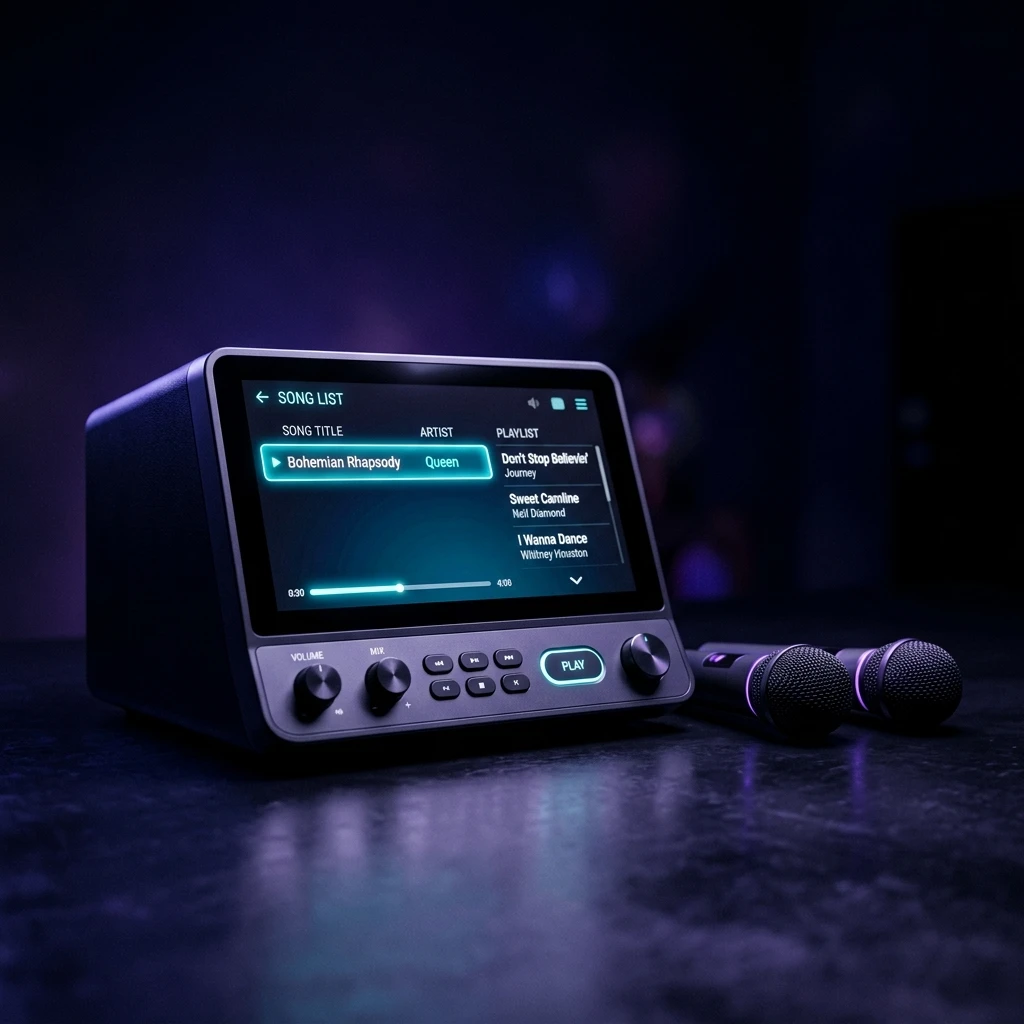
Karaoke Machine:
Expert Reviews,
Buying Guides & Setup
Confused by too many options? We research karaoke machines using manufacturer documentation, independent evaluations, and relevant owner feedback so you don’t have to do all of it yourself.
Plain-language advice. No fluff. Recommendations based on manufacturer documentation and independent reviews.
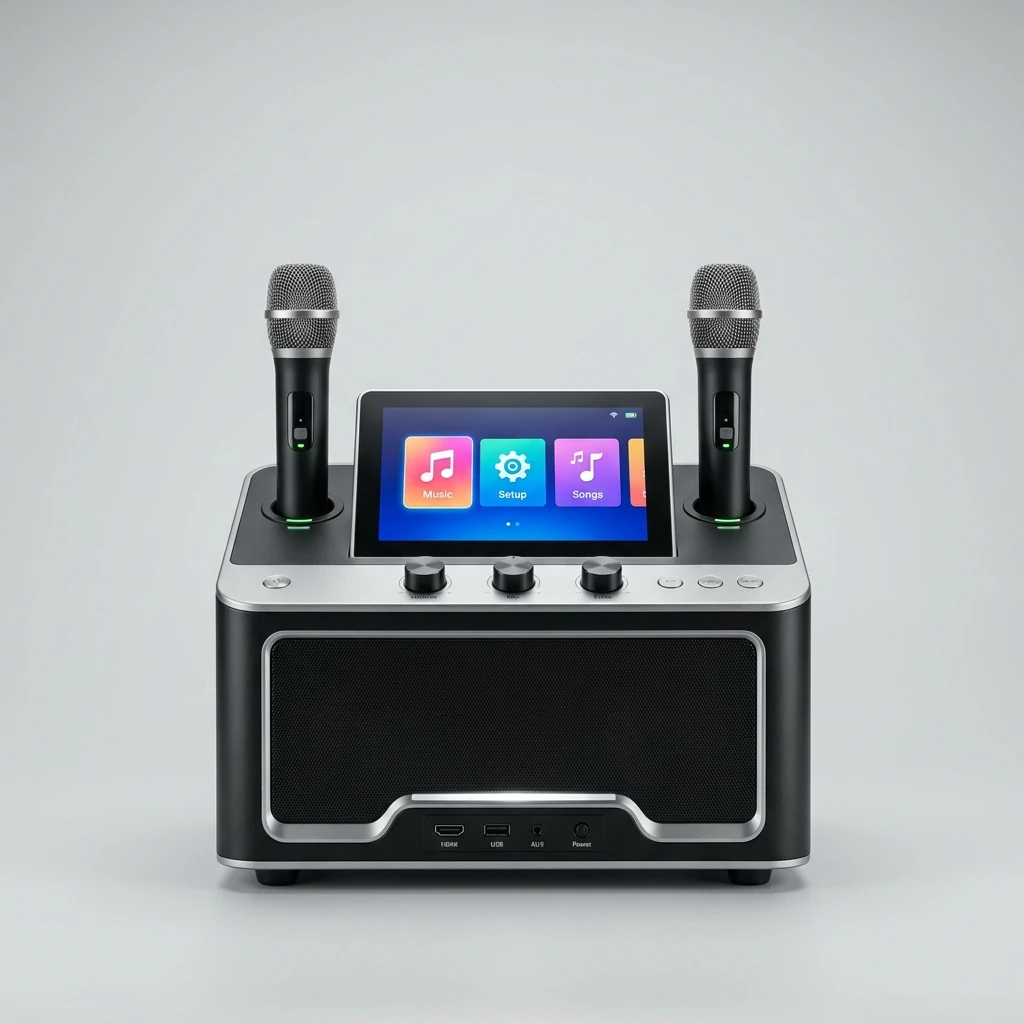
Best Overall
iKarao Shell S2 8-inch screen, 140W Peak, self-charging mics
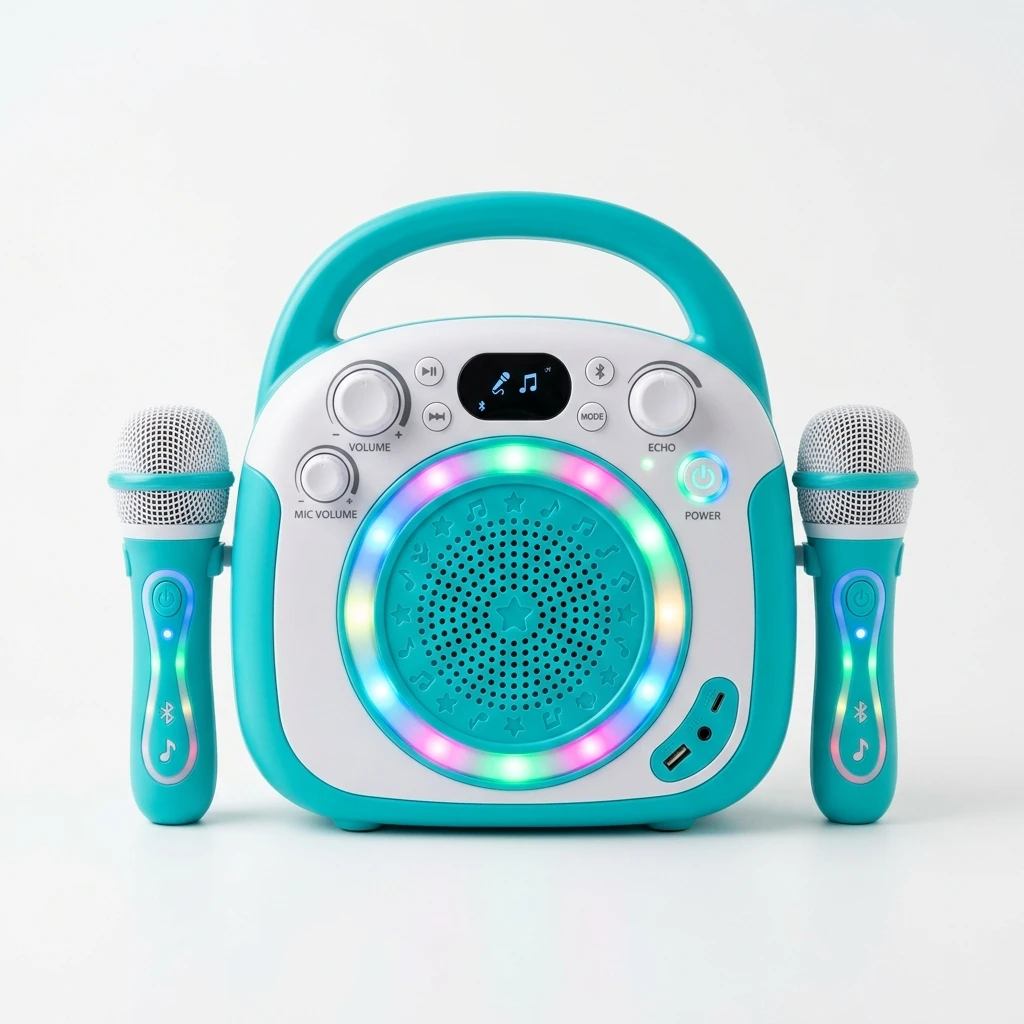
Best for Kids
YLL K1-L 85 dB cap, drop-resistant, auto-pairing mics, under $70
A Plain-Language Answer Before You Buy Anything
A karaoke machine is an audio device that plays karaoke with vocals removed and displays track lyrics for a singer to follow.
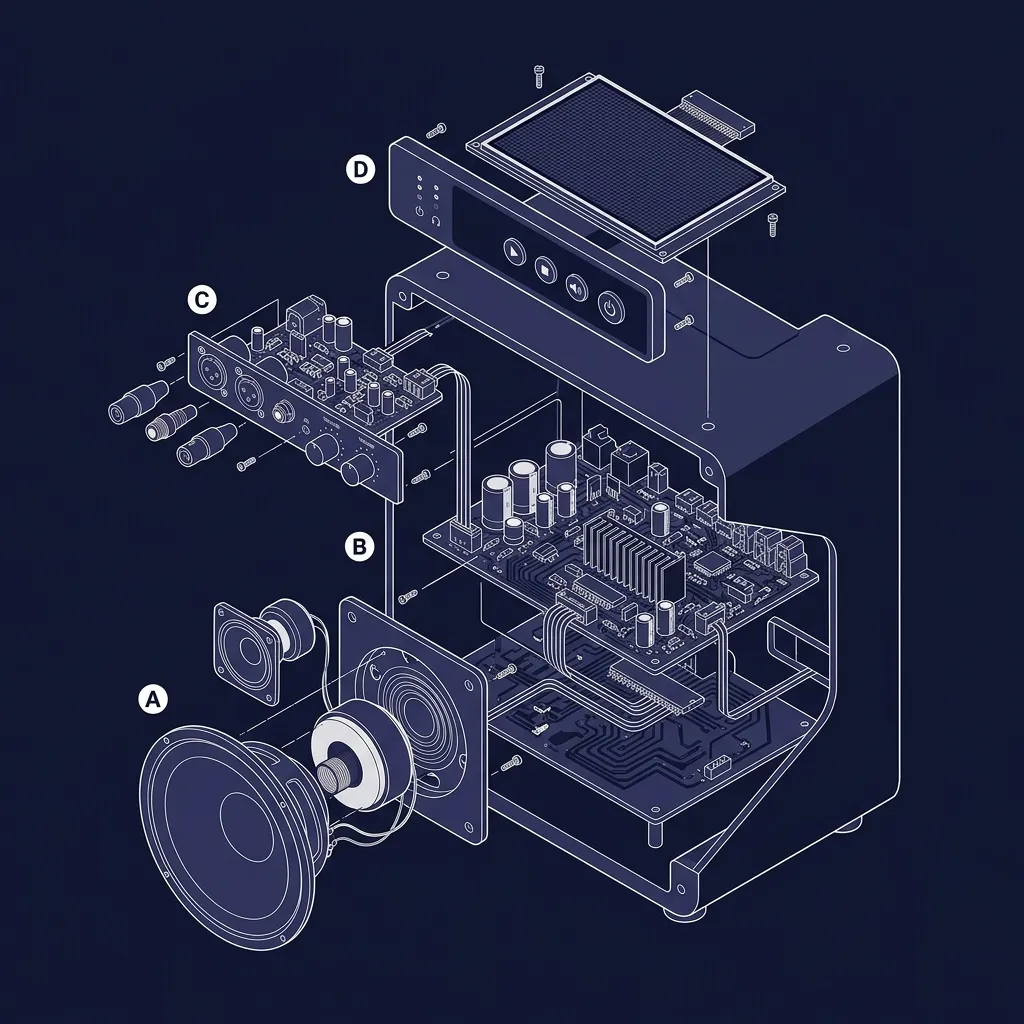
Every unit combines 4 core components: a speaker system, an amplifier, microphone inputs with voice processing (echo, reverb, pitch correction), and an on-screen display either a built-in touchscreen or HDMI TV connection.
Content reaches the device 3 ways: streaming platforms (KaraFun, Smule, YouTube), CDG discs (CD+Graphics format), or pre-loaded USB files.
Speaker System
Powers the audio output rated in RMS watts
Amplifier
Drives the speaker true RMS vs peak rating
Mic Inputs
Voice processing: echo, reverb, pitch correction
Display Screen
Built-in screen or HDMI to your TV
How to use this site:
Already know what you need it for? → jump to Browse by Use Case
Not sure what type exists? → start with Browse by Machine Type
Just want the top recommendations? → go straight to Our Top Picks
Overwhelmed by specs and jargon? → read How to Choose first
Browse by Machine Type
Start here. Getting the type right saves you from buying something that looks great but doesn’t fit how you’ll actually use it.
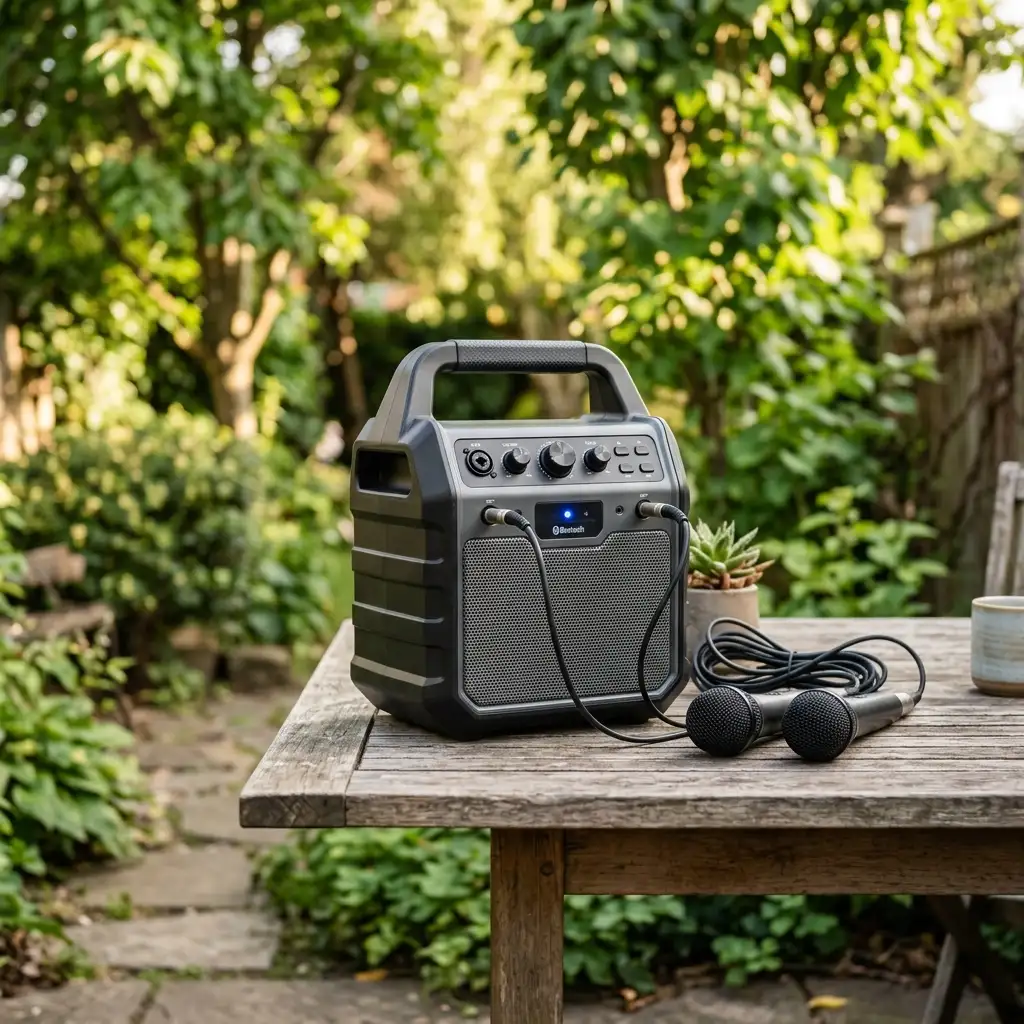
Portable Karaoke Machine
Most popular typeTakes the party wherever you go. Runs on a rechargeable battery (4–10 hours), weighs 5–15 lbs, and connects to any phone over Bluetooth. Perfect for gardens, the beach, camping, or moving between rooms without hunting for a plug.
See portable machines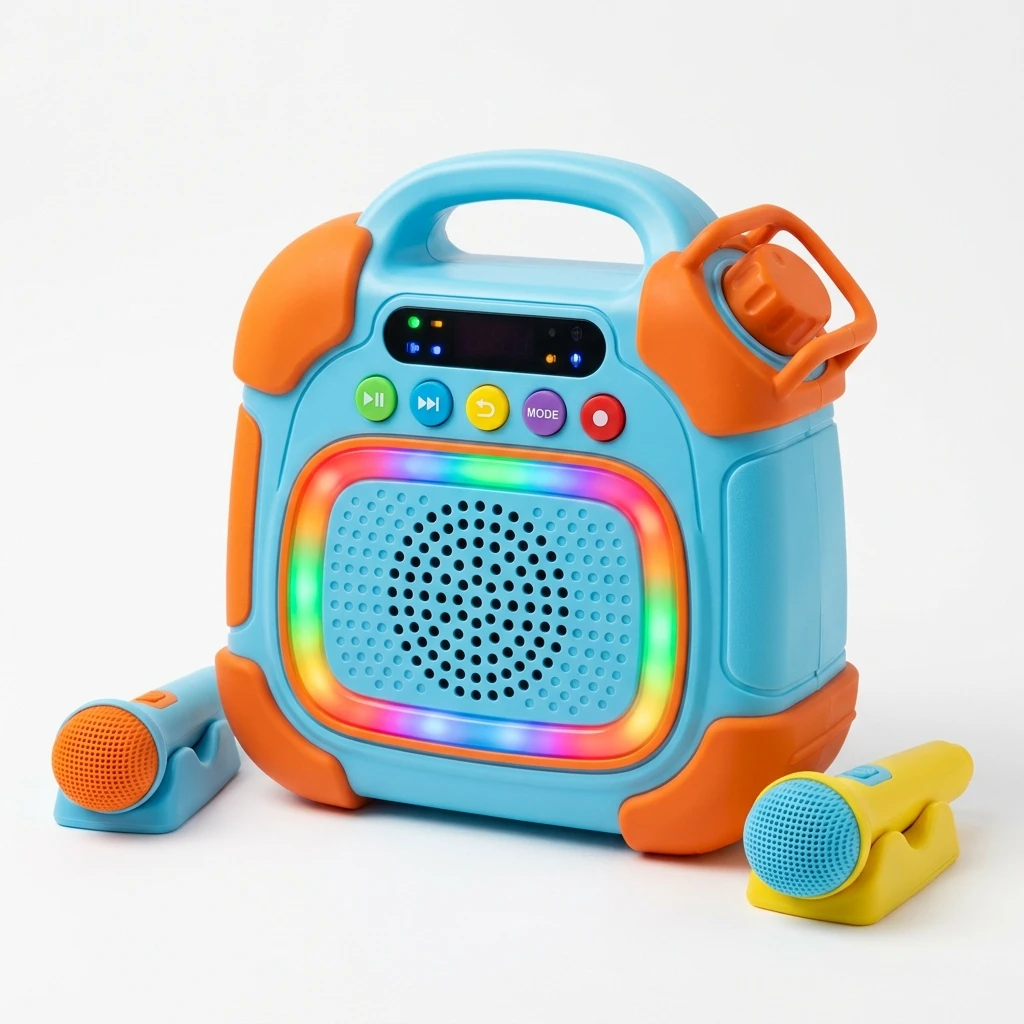
Kids Karaoke Machine
Most important safety featuresBuilt around children’s safety, not just fun. A hardware volume cap helps protect growing ears and manage daily listening duration. Drop-resistant so it survives the floor. Wireless mics that pair themselves no technical setup for a 6-year-old.
See kids machines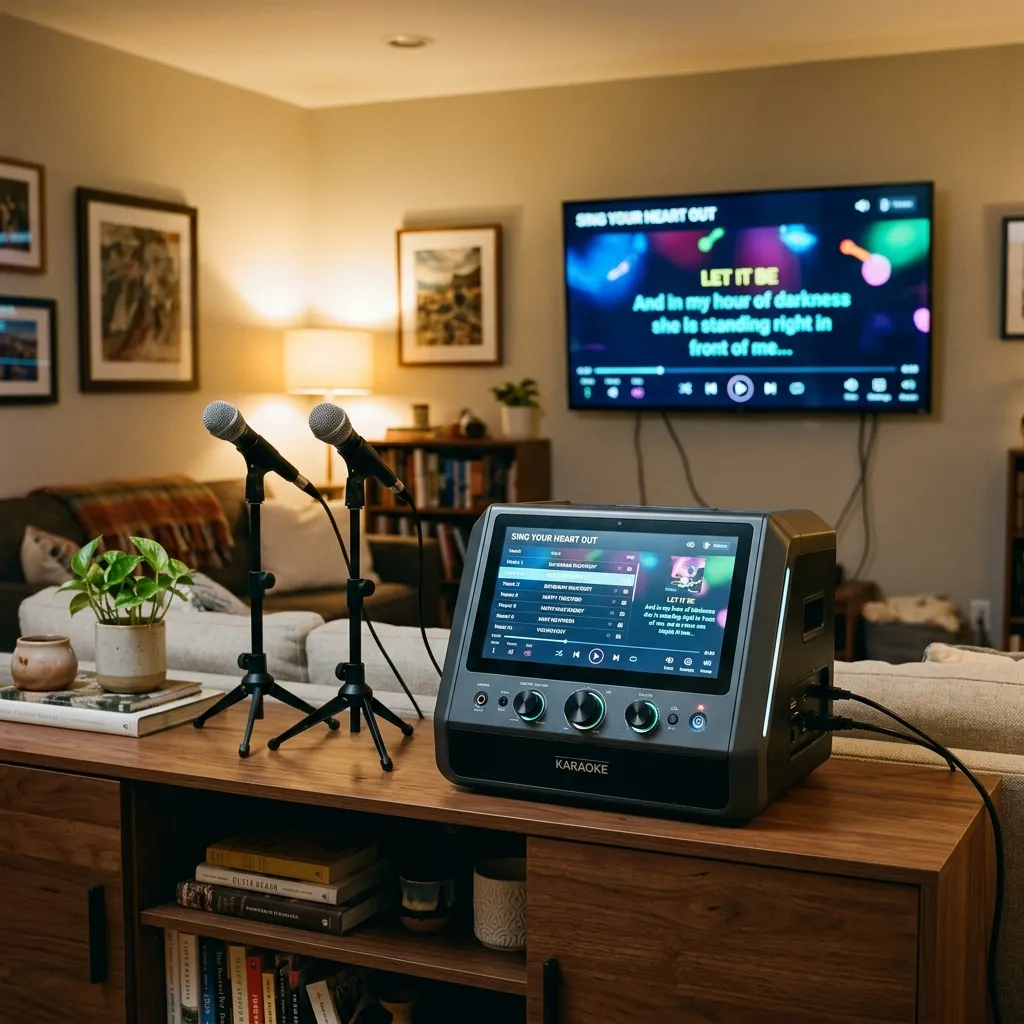
Home Karaoke Machine
Best for living roomsDesigned to stay in one place and perform brilliantly there. Connects to your TV via a single HDMI cable text on the big screen, sound perfectly in sync. Powerful enough for a full living room, with inputs for multiple microphones when guests come over.
See home machines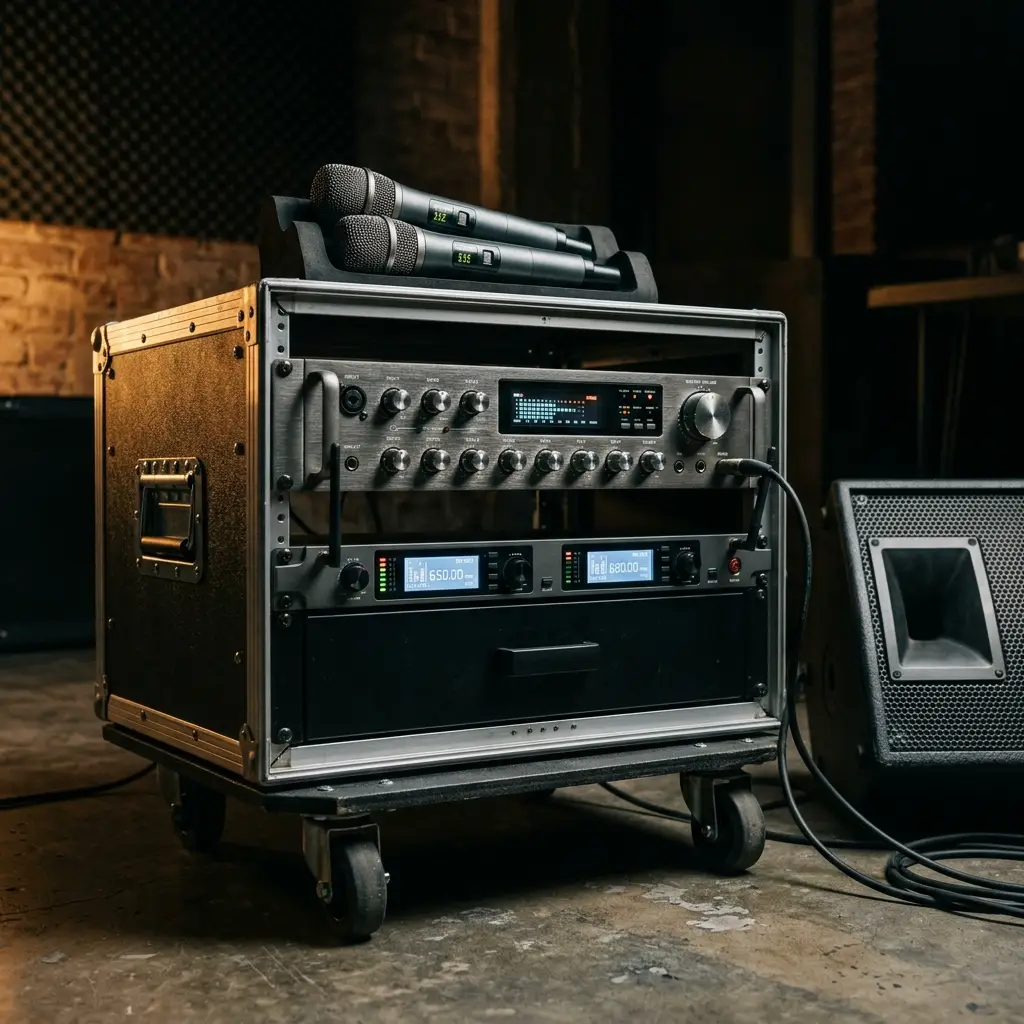
Professional Karaoke Machine
For bars & venuesBuilt for the demands of nightly commercial use. True 200W+ output to fill a bar or event space, wireless microphones designed to minimize signal dropouts in busy environments, metal construction that survives regular use, and the right licensing for public use.
See professional machines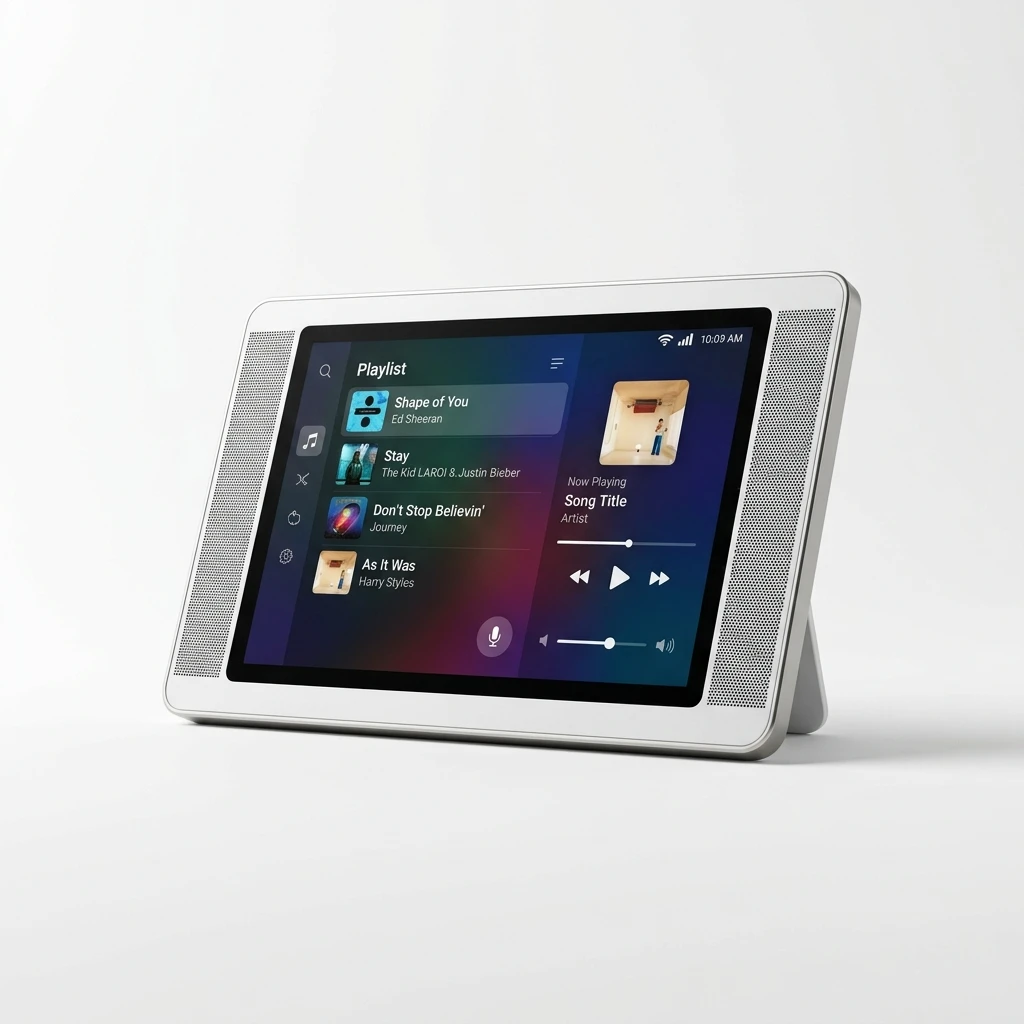
Smart Karaoke Machine with Screen
No discs, no hassleRuns like a tablet, sounds like a speaker. Built-in WiFi streams over 50,000 titles on demand no buying discs, no managing USB drives. Just search a title and play it. Software updates automatically, so the machine improves the longer you own it.
See smart machinesAnswer one question and you’re done:
Browse by Use Case
The right machine depends almost entirely on how you’ll use it. Pick your situation below.
For Home Parties
Two people need to perform at the same time that means two wireless microphones as a minimum. The output needs to fill a room without distorting at volume. And the battery needs to survive a full party, not die at 9pm. Most people in this situation spend $100–$250 and leave nothing behind.
Best machines for adults & partiesFor Kids
One feature matters more than anything else: a hardware volume limiter. Lower maximum output helps control a child’s total noise exposure, as hearing risk depends on both volume and listening duration.ines have no cap at all. After that, buy for durability (they will drop it) and simplicity (they shouldn’t need to manually pair a microphone).
Best karaoke machines for kidsFor a Permanent Home Setup
Your first decision is whether you want the display on the machine’s own screen or on your TV. A built-in screen means freedom to move; your TV gives you a 32–75 inch display. Wattage matters here 50–140W is enough for most living rooms. Buy a machine that accepts both wireless and wired microphones so you can add more without replacing it.
Best home karaoke machinesFor Professional & Commercial Use
The biggest trap in this category is “peak watts” vs real power. A machine rated at 300W peak typically delivers 75–150W of actual continuous output not enough to fill a bar. Only trust RMS ratings. The other non-negotiable: UHF wireless microphones. wireless microphones with proper frequency selection to minimize local RF interference on, 2.4GHz mics will drop out. UHF won’t.
Best professional machinesHow to Choose the Right Karaoke Machine
Answer these four questions and you’ll know exactly what to look for before you see a single product listing.
Who is using it and where?
A machine for a child needs a volume limiter. A machine for a party needs 100W+ output and two wireless mics. These two needs are very different.
Does it need to move or stay put?
Battery-powered machines sacrifice wattage to save weight. If you need to take it outside or between rooms, go portable. If it lives in one spot, buy for power.
How will you get content onto it?
Smart machines stream over 50,000 titles from apps nothing to buy or manage. Traditional machines need CDG discs or USB drives loaded with files. Smart is easier; traditional is cheaper upfront.
Do you need to move around while performing?
Wireless mics let you move freely great for parties and kids. Wired mics have no battery to worry about and zero signal dropout better for a fixed home setup where movement doesn’t matter.
What your money actually buys you
Our Top Picks
Our recommendations are informed by independent sources including Rolling Stone, Consumer Reports, and Thirstybear. These publications test or evaluate different product sets, so their findings are considered separately rather than treated as identical.
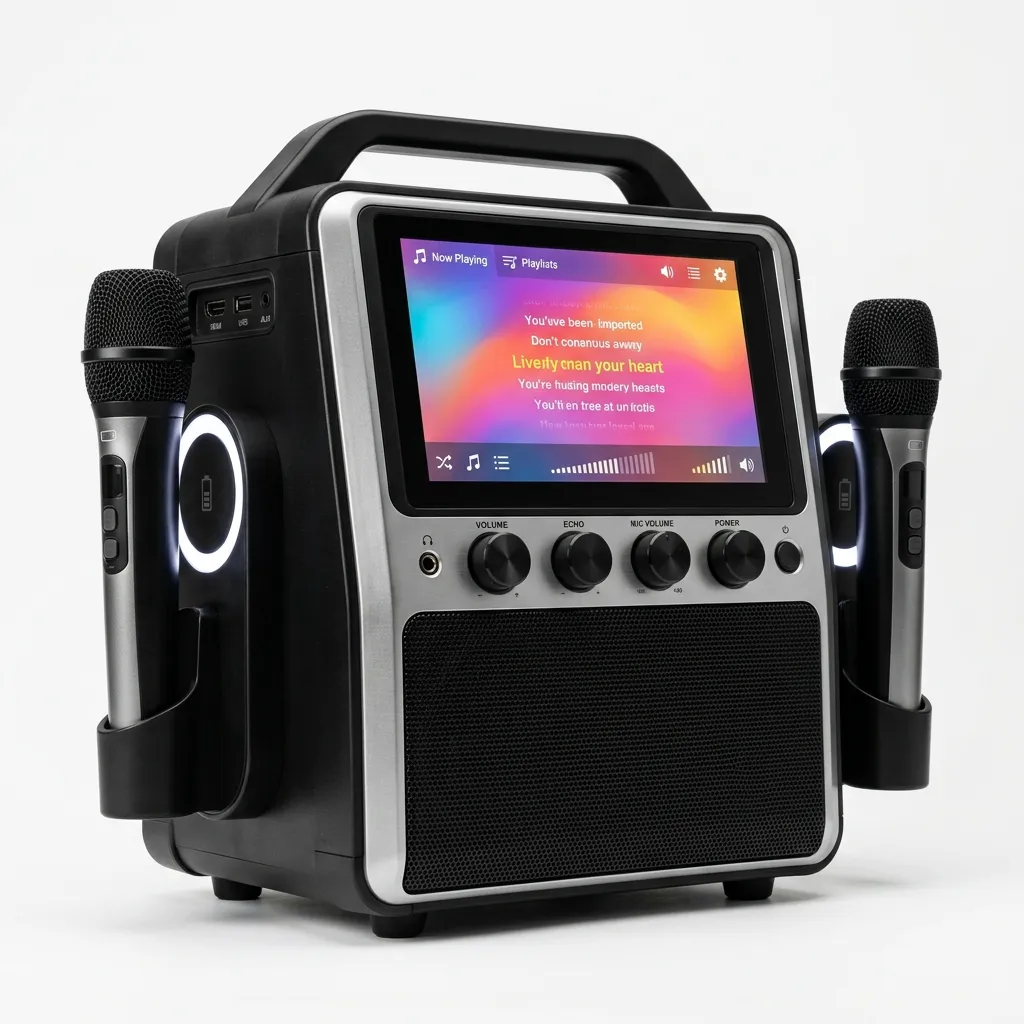
Best Karaoke Machine Overall iKarao Shell S2
Two self-charging wireless microphones (charging directly in the speaker body), and a 6-month KaraFun subscription giving access to 50,000+ licensed titles. Runs Android with WiFi and Bluetooth 5.3, so the machine updates itself over time. The all-round package no current competitor matches at this price.
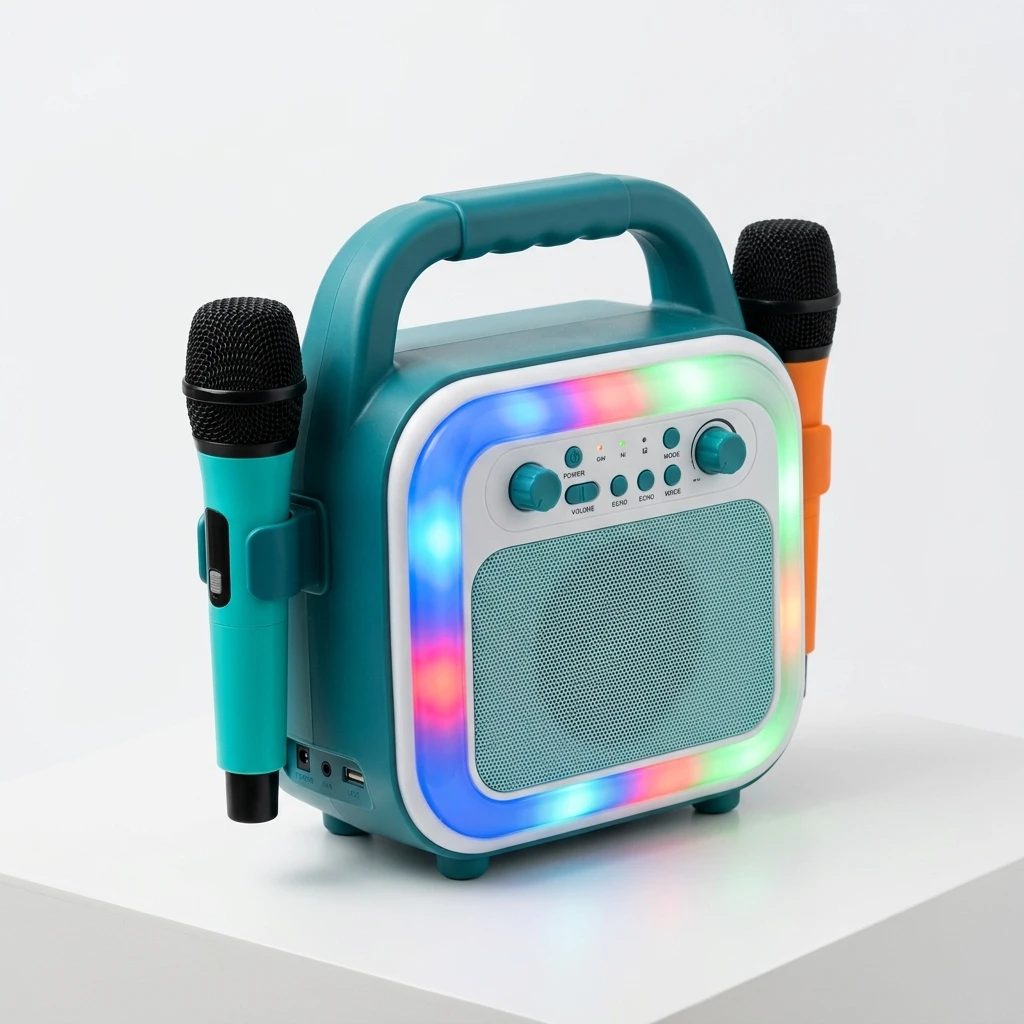
Best Karaoke Machine for Kids YLL K1-L
Wireless microphones that pair automatically on power-on, 4–6 hour rechargeable battery, and a volume limiter to help protect growing ears to protect children’s hearing. Voice effects (echo + pitch shift), drop-resistant housing, and Bluetooth streaming from parent devices. No compromises on the features that actually matter for kids.
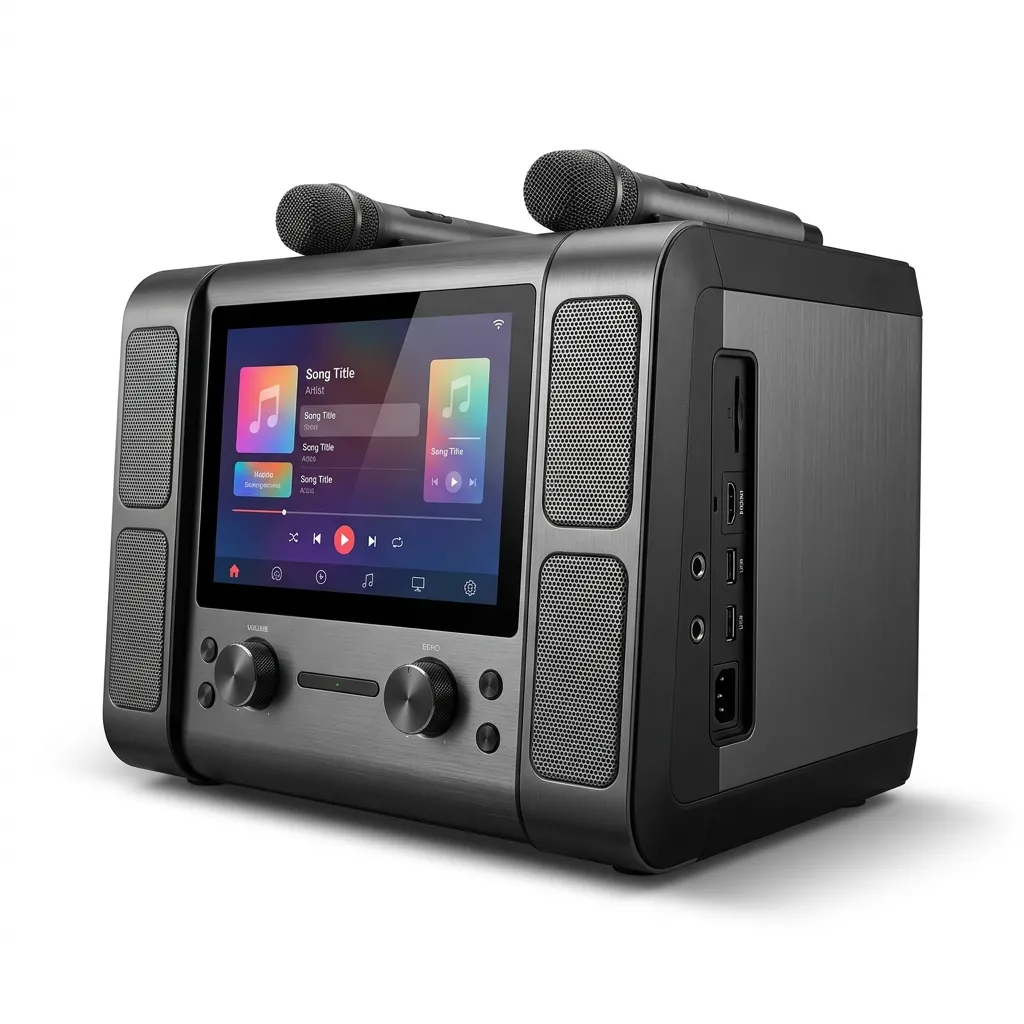
Best Home Karaoke Machine iKarao Shell S1
280W peak output, HDMI TV connection with automatic display sync, and KaraFun Prime with offline content downloads works without internet. Accepts wired and wireless microphones simultaneously, so up to 4 people can perform at once. The top-rated permanent home setup across independent reviewers.
How these picks are sourced
Our recommendations are informed by leading independent publications and technical reviews. Sourced evaluations include the Rolling Stone electronics team (December 2025), the Consumer Reports product reviews (September 2025), and Thirstybear’s evaluations (April 2026). Manufacturer specifications are checked against current product pages, manuals, support documentation, or specification sheets where available. When sources conflict or a specification cannot be confirmed, we avoid presenting an unsupported value as verified fact.
The 5 Brands Worth Your Attention
Brand choice affects what titles you can access, how good the microphones are, and whether the machine will still receive support in two years. Here’s what independent reviewers and owners say about each one.
JBL makes excellent speakers. Their karaoke machines are essentially party speakers with a microphone input added which means the sound is outstanding, but you trade off some features specific to karaoke. If sound quality is your top priority and features matter less, JBL is the choice.
See the full guide →The only brand that treats a karaoke machine like a smart product. Android OS, WiFi, software updates, and a streaming library the machine you buy today is better a year from now because of updates. The Shell S2 is our top pick overall. Across independent reviewers, iKarao is consistently the only brand doing the smart platform well enough to recommend.
See the full guide →Tonor built the K20 around one thing: wireless microphone quality. Dual UHF mics, 100-foot range, 4-hour battery in the mics themselves. Thirstybear reviewed it at a 50-person outdoor event in April 2026 microphones maintained range and clarity throughout. At $100–$150, it’s the strongest value for outdoor or party use.
See the full guide →JYX makes solid all-in-one machines in the $100–$250 range. They’re not as flashy as iKarao or as well-known as Singing Machine, but their wireless microphone quality at this price is genuinely competitive. The PA9Plus has UHF mics, which puts it a step above most machines in this tier.
See the full guide →VocoPro makes systems for commercial karaoke operators bars, venues, hire companies. Their machines use professional audio connectors (XLR), multi-channel mixing, and can be configured as separate components rather than one box. Serious kit for serious use. For home use, it’s both overkill and unnecessary.
See the full guide →Setup & Connection Guides
The machine is only half the job. Here’s how to connect it so everything works the first time on-screen text perfectly timed, mics that don’t cut out.
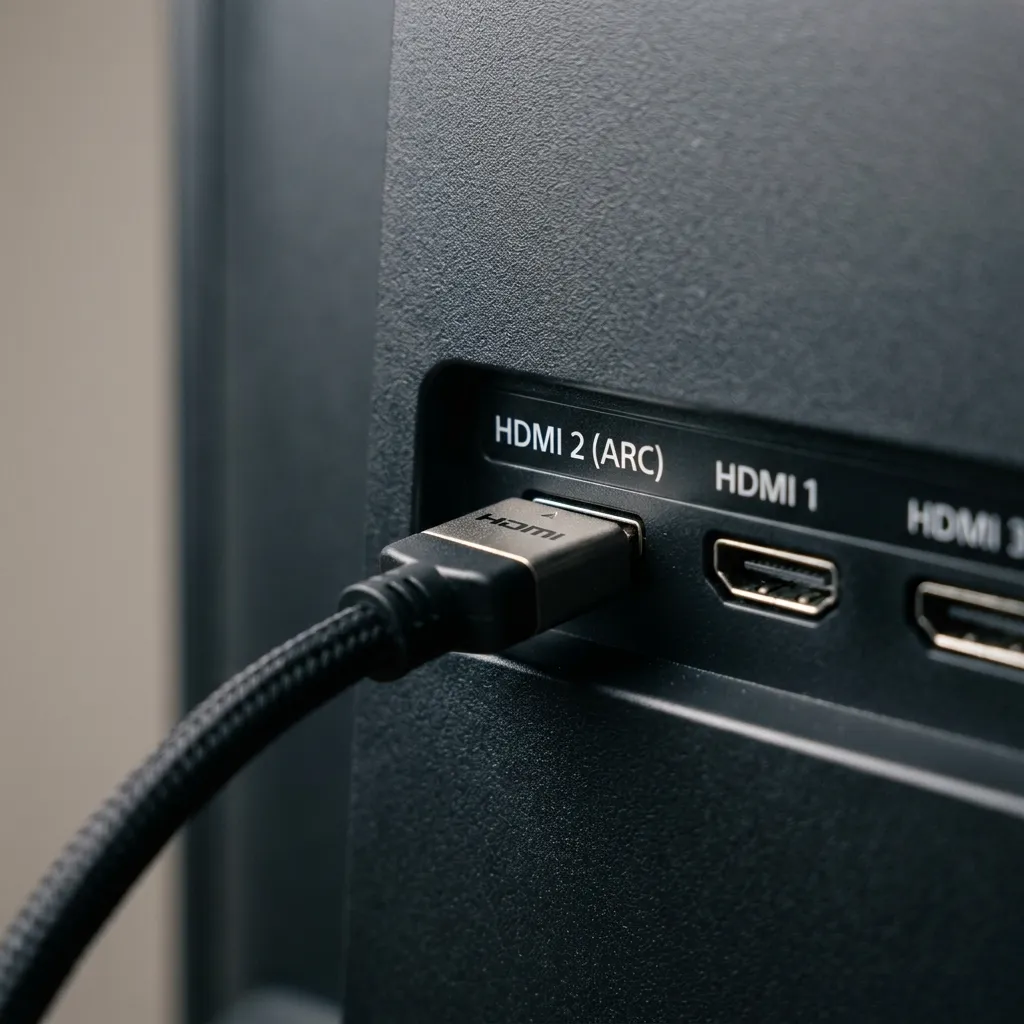
How to Connect a Karaoke Machine to a TV
There are 4 ways to connect a karaoke machine to a TV. Only one of them gives you perfect picture-and-sound sync with no fiddling. The full guide covers all four with step-by-step instructions for each.
Why HDMI beats older connection types
Standard HDMI carries both video and digital audio from your karaoke machine to your TV in a single cable, keeping lyrics and audio perfectly in sync. With composite RCA cables, analog transmission can introduce audio delay and lower resolution. Connecting the machine’s HDMI OUT to a TV HDMI IN is the cleanest way to set up your system.
HDMI Connection: Complete Guide
HDMI carries both video and digital audio from a compatible karaoke machine to a TV through one cable. Connect the machine’s HDMI OUT to an available HDMI IN on the television. ARC/eARC is an additional HDMI feature used mainly to return TV audio to a compatible soundbar or AV receiver.
When does ARC matter?
ARC (Audio Return Channel) is only needed if you want the TV to send sound back to an external soundbar or AV receiver. For a direct karaoke machine connection, any standard TV HDMI IN port (including those labeled ARC) will work, as they all function as standard video/audio inputs.
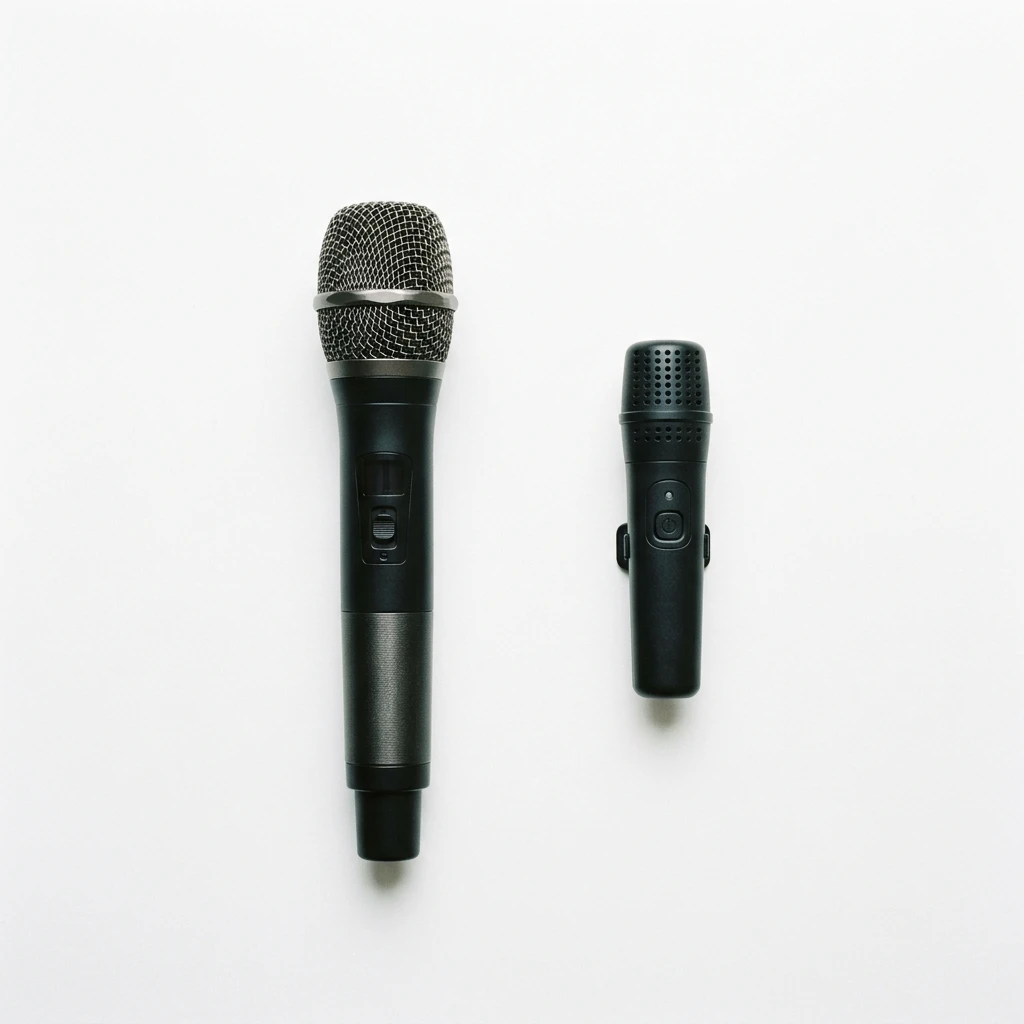
Microphone Setup: Wired, Wireless & Pairing
Wireless microphones vary by frequency band (2.4 GHz, UHF, or VHF) and pairing design (automatic pairing vs. manual tuning), which affect range and interference resistance.
2.4GHz vs UHF which do you need?
Auto-pairing systems are simple to set up for home use. UHF systems operate on a different frequency band from Wi-Fi/Bluetooth, which can reduce local 2.4 GHz interference, but they still require proper frequency selection to avoid local RF congestion. Operating range and pairing design depend on the specific model’s implementation.
Guides, Comparisons & Research
Answers to every question you’ll have before and after buying.
Karaoke Machine Rental: Cost, What’s Included & Where to Find One
If you only need a karaoke machine for one party, birthday, or event buying doesn’t make sense. This guide covers exactly what a rental includes, what it costs in different cities, how to find a reputable AV company near you, and how to decide whether to rent or buy based on how often you’ll actually use it.
Read the rental guideHow Much Does a Karaoke Machine Cost? Full Price Range Explained
Most price comparison articles tell you what’s in each tier. This one tells you where the real quality jumps happen, and what costs most buyers miss ongoing subscriptions, replacement discs, and the accessories that suddenly become necessary after unboxing.
Read the cost guideSmart Karaoke Machine vs Traditional: Is the Price Premium Worth It?
Is the jump to a smart Android machine worth the extra $100–$200? This comparison runs through every dimension where smart machines differ from traditional ones including the long-term advantages most short-term reviews don’t mention.
Read the comparisonWired vs Wireless Karaoke Microphone: What’s the Real Difference?
Wireless sounds convenient, but wired has real advantages. This guide covers audio quality, dropout risk, battery logistics, and range and lists exactly which machines include wireless mics in the box vs which quietly require you to buy them separately.
Read the guideFilipino Karaoke: Why Asian Karaoke Machines Work Differently
Why does every Filipino home have a karaoke machine? Why do Korean karaoke rooms work so differently from what you’d buy on Amazon? This guide explains the cultural history and practical hardware differences useful if you need multilingual content libraries or Asian-market machines.
Read the guideKaraoke Machine vs App: Do You Actually Need Hardware?
Before you spend $200 on hardware, it’s worth asking: can an app do the same job for free? Honest answer sometimes yes, usually no. This comparison covers sound quality, latency, content library, group dynamics, and long-term cost so you can decide for yourself.
Read the comparisonWhy Use This Site?
Most karaoke machine roundups test 3–4 machines over a weekend and call it a review. This site covers only karaoke machines nothing else. Every recommendation is researched using manufacturer information, independent evaluations, and relevant owner feedback.
5 machine types explained properly with the specific hardware attributes that separate them, not just vague labels like “portable” or “home” that mean nothing without context.
All 5 brands covered honestly including the genuine trade-offs. JBL sounds great but isn’t built for karaoke. iKarao’s smart platform is exceptional but costs more. This site says that plainly.
Sourced from leading independent publications: Including Rolling Stone, Consumer Reports, and Thirstybear, comparing reviews rather than relying on a single opinion or manufacturer press releases.
Every spec is explained, not just listed. Volume limiters are explained with actual WHO listening-duration guidance, helping parents manage total noise exposure.
Setup guides that go deeper than the manual explaining HDMI ARC vs standard HDMI, how frequency bands affect wireless microphone range, and pairing steps you won’t find in the box.
Frequently Asked Questions
What is the best karaoke machine overall?
The Best Karaoke Machine Overall iKarao Shell S2 is the best karaoke machine for most buyers. It has an 8-inch touchscreen, 140W Peak output, self-charging wireless mics, and includes a 6-month KaraFun subscription giving access to 50,000+ titles. The iKarao Shell S2 is our Best Overall research-based pick. Rolling Stone named it Best Overall in its December 2025 karaoke-machine roundup.
How much does a karaoke machine cost?
Karaoke machines range from $20 for basic kids models to $400+ for smart screen-equipped machines. Most home and party buyers spend $100–$250 and get dual wireless mics, good Bluetooth, and a solid battery. See the full breakdown: how much does a karaoke machine cost.
Do karaoke machines come with tracks?
It depends on the type of machine. Smart machines like iKarao stream titles through apps (KaraFun, Smule). Traditional machines use CDG discs or pre-loaded built-in libraries. Most modern machines also connect to YouTube karaoke videos via Bluetooth free, with no subscription needed.
What is the best karaoke machine for kids?
The Best Karaoke Machine for Kids YLL K1-L is our top pick for kids. It has 2 auto-pairing wireless mics, a 4–6 hour rechargeable battery, a hardware volume cap to help protect growing ears, voice effects, and a drop-resistant housing all for under $70. Designed for ages 6+.
Can you connect a karaoke machine to a TV?
Yes. The best method is connecting the karaoke machine’s HDMI OUT to a TV HDMI IN port. A single standard HDMI cable handles both picture and digital sound automatically, keeping lyrics in sync. You can also use RCA composite cables (for older TVs) or Bluetooth (audio only, no screen output). Full guide: how to connect a karaoke machine to your TV.
What is a smart karaoke machine?
A smart karaoke machine runs an Android operating system with WiFi, which means it connects to karaoke streaming services, receives software updates, and runs apps just like a tablet. The built-in touchscreen shows on-screen text without needing a TV. iKarao is the leading smart karaoke brand; their Shell S1 and S2 both come with a 6-month KaraFun subscription bundled in.